Install Feedkeeper on Chrome
Feedkeeper is waiting for Chrome Web Store approval, which usually takes 2 to 3 days. Until it lands, here is how to install it by hand. It takes about a minute and you only do it once.
1Download and unzip
Download the extension and unzip it. Keep the folder somewhere permanent, like Documents. Chrome loads the extension from that folder, so do not delete it later.
Download for ChromeVersion 0.1.2, 30 KB zip
2Open the extensions page
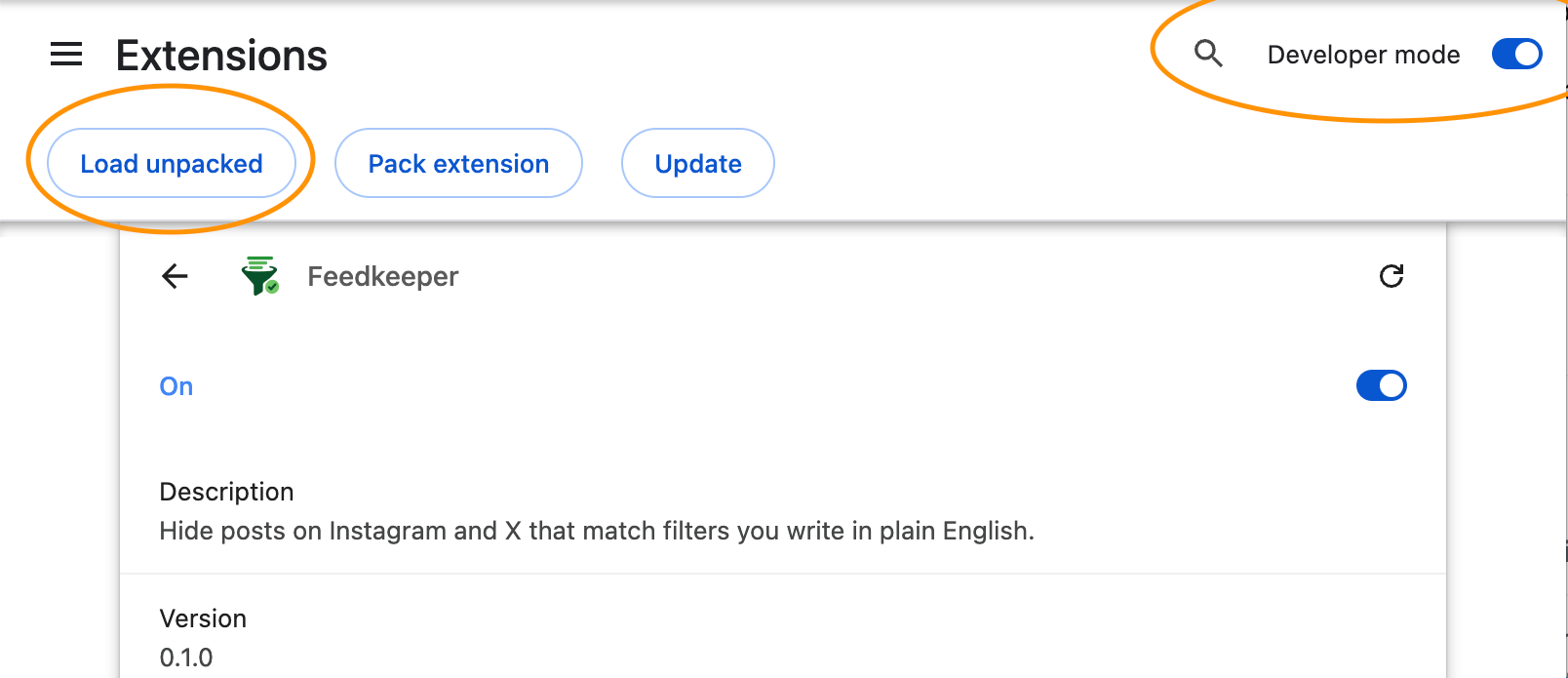
Paste chrome://extensions in the address bar. In the top right corner, switch on Developer mode.
3Load the folder
Click Load unpacked, then pick the folder you unzipped. Feedkeeper appears in the list and its icon shows up in the toolbar. If you do not see the icon, click the puzzle piece in the toolbar and pin it.

4Get an API key
Feedkeeper classifies posts with Jev, the model from Typesafe AI, and needs an API key. Leave your email and I will send you one. The classifier costs close to nothing to run, so it is free while I finish a 3€ a month plan that works without a key.
5Paste the key
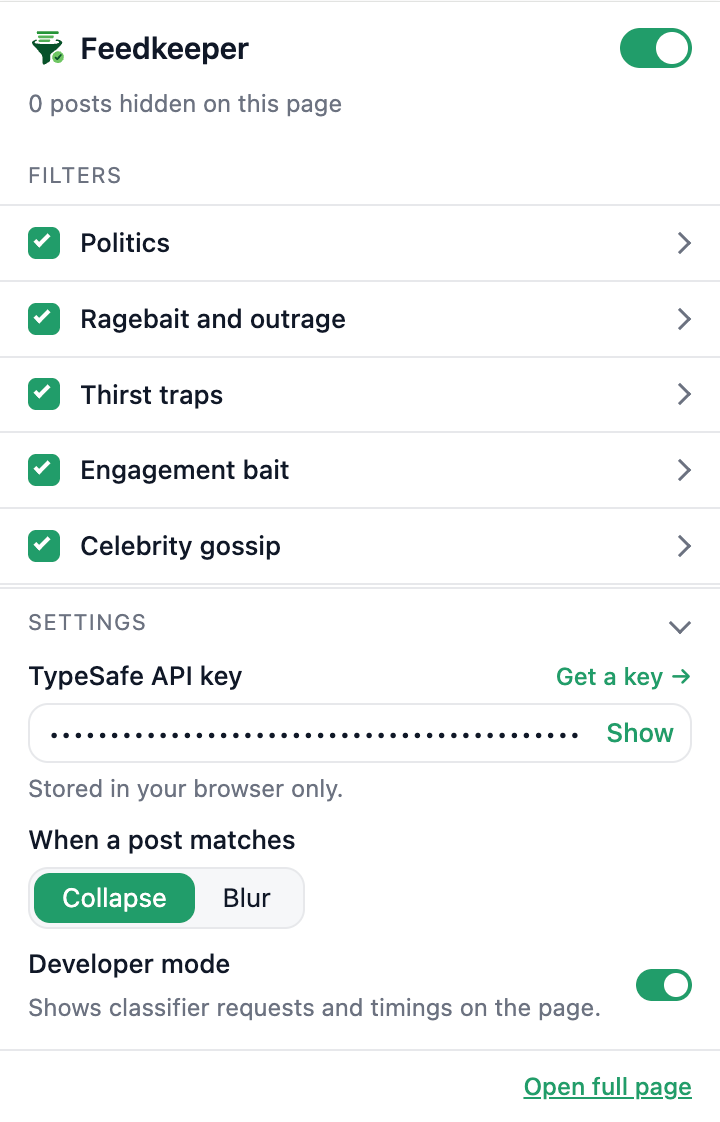
Click the Feedkeeper icon in the toolbar, open Settings and paste the key. It saves on its own and never leaves your browser.
6Scroll
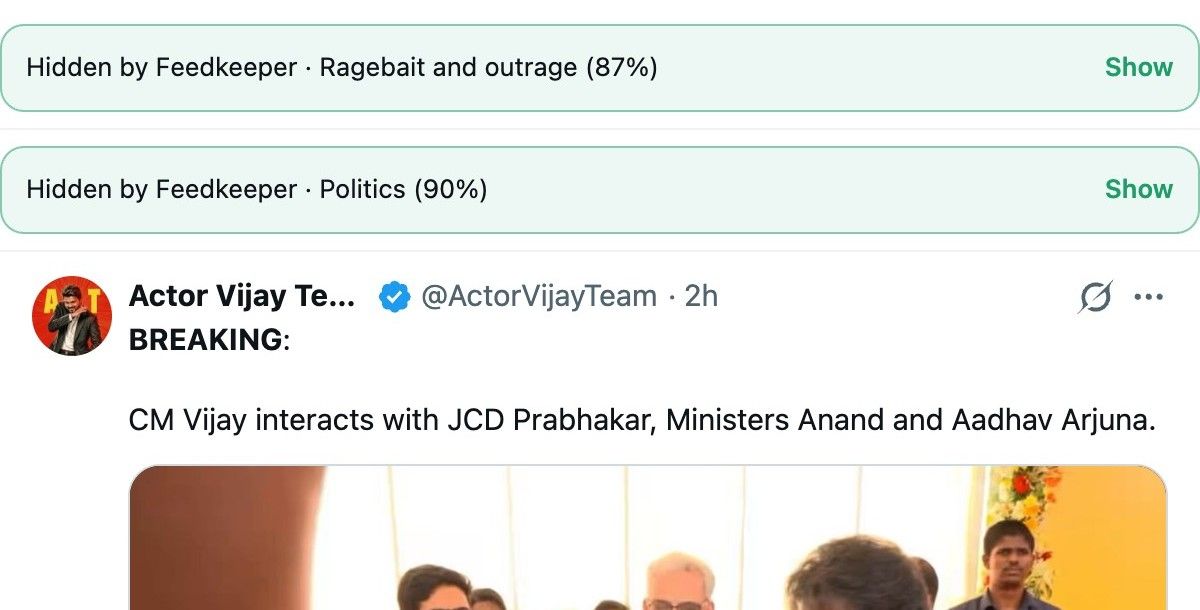
Open Instagram or X. Posts that match your filters collapse into a small bar with the reason and a Show button. Tune the filters from the same popup, in plain English.
If something looks off
Chrome warns about developer mode extensions at startup. That is normal for an unpacked extension and goes away once the store version is approved.
Nothing gets hidden? Check that the key is saved and that the toggle at the top of the popup is on. Turn on Developer mode in Settings to see every request and its result directly on the page.